Choosing how people unlock business doors sounds simple until the small details start to matter. Staff arrive at different times, contractors need temporary access, codes get shared, fobs get lost and managers need a clear way to keep the building secure without slowing everyone down.
Key fobs and keypads are two of the most common access control options for business doors. Both can work well, but they suit different routines, risks and management styles. This guide compares them in practical terms so you can make a confident decision.
How key fob and keypad access control works
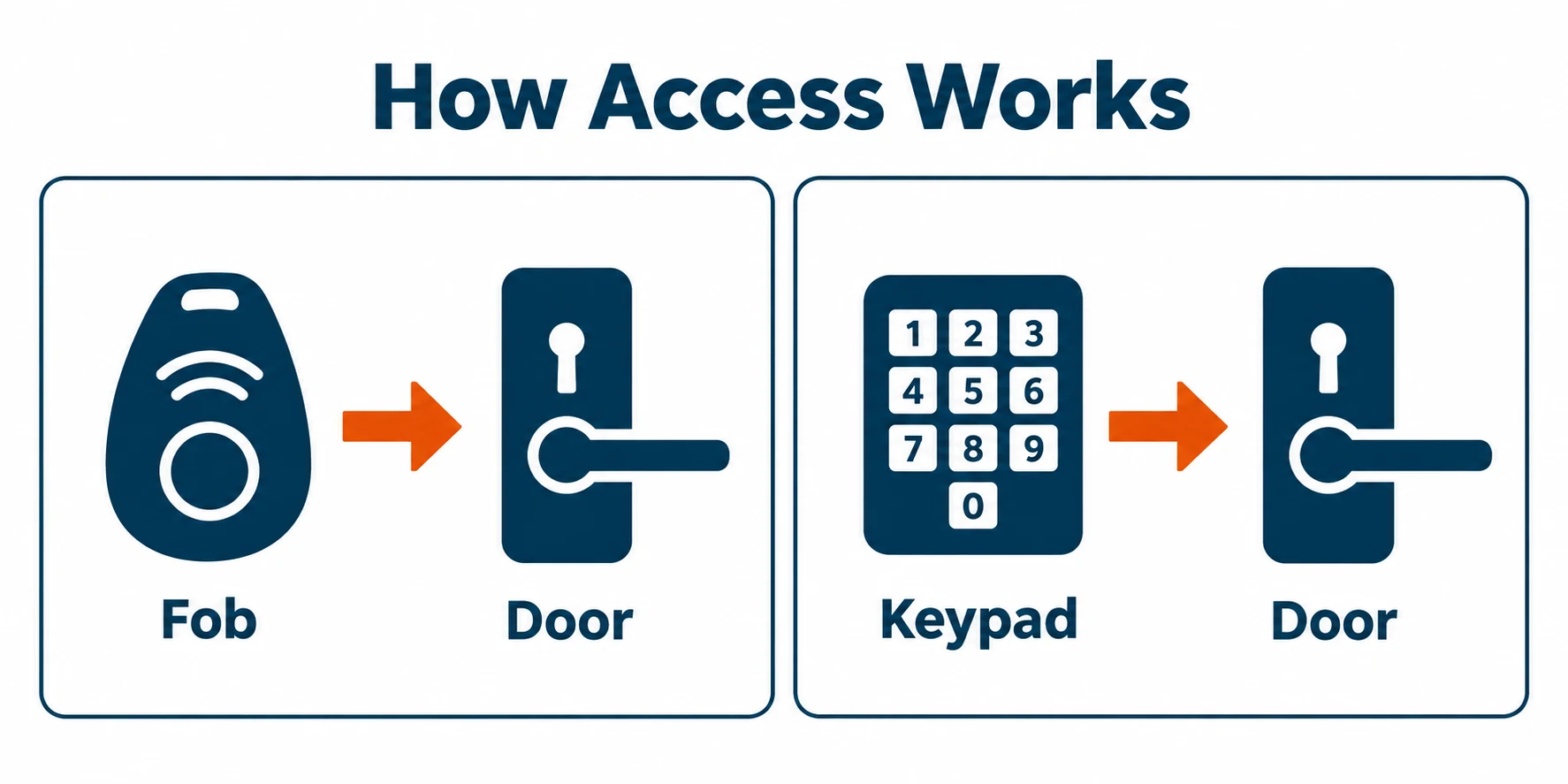
A key fob system gives each authorised person a physical credential. This might be a small token, card or tag that is presented to a reader by the door. If the system recognises the credential, the lock releases. Access can usually be added, removed or changed through the control system, which makes it far more manageable than issuing traditional keys.
A keypad system works differently. Users enter a numeric code to unlock the door. The code may be shared by a team, assigned to a specific person or set for a particular group. Some systems allow several codes at once, which can make it easier to separate staff, visitors, cleaners or contractors.
Both methods sit within the wider world of access control systems, where the aim is to decide who can enter, when they can enter and which doors they can use. If you are still exploring the basics, Forrest Security has a useful overview of why access control systems matter for modern businesses.
The right choice is rarely about which option is best in every situation. It is about how your doors are used in real life. A quiet office with a stable team has different needs from a busy premises with shift changes, deliveries and frequent visitors.
Staff movement and everyday convenience

Staff movement is often the first practical test. If people need to move through doors many times a day, key fobs are usually quick and familiar. A person presents the fob, the door opens and the flow of movement continues with little friction. This can be helpful for internal staff doors, stock areas, back office spaces and main entrances used by regular employees.
Keypads can also be convenient, especially where users do not want to carry anything. A code can be remembered, which makes it useful for smaller teams or shared spaces where issuing physical credentials feels unnecessary. However, keypads depend on people entering the code correctly every time. In wet weather, while carrying items or during busy periods, that extra step can feel less smooth.
There is also the question of speed during peak periods. A fob reader can process users quickly, while a keypad may create short pauses if several people arrive together. That may not matter for a small team, but it can become noticeable at shift changes or when multiple staff need entry at once.
For staff who move between several controlled doors, fobs can be especially useful. The same credential can often be programmed for different access levels. For example, one employee may use the main entrance and staff room, while another may also access a storage area. With keypads, this is still possible on suitable systems, but it usually depends on how codes and permissions are configured.
In short, key fobs tend to suit frequent movement and varied permissions. Keypads tend to suit simple access routines, smaller groups and places where not carrying a credential is an advantage.
Lost fobs, shared codes and changing access
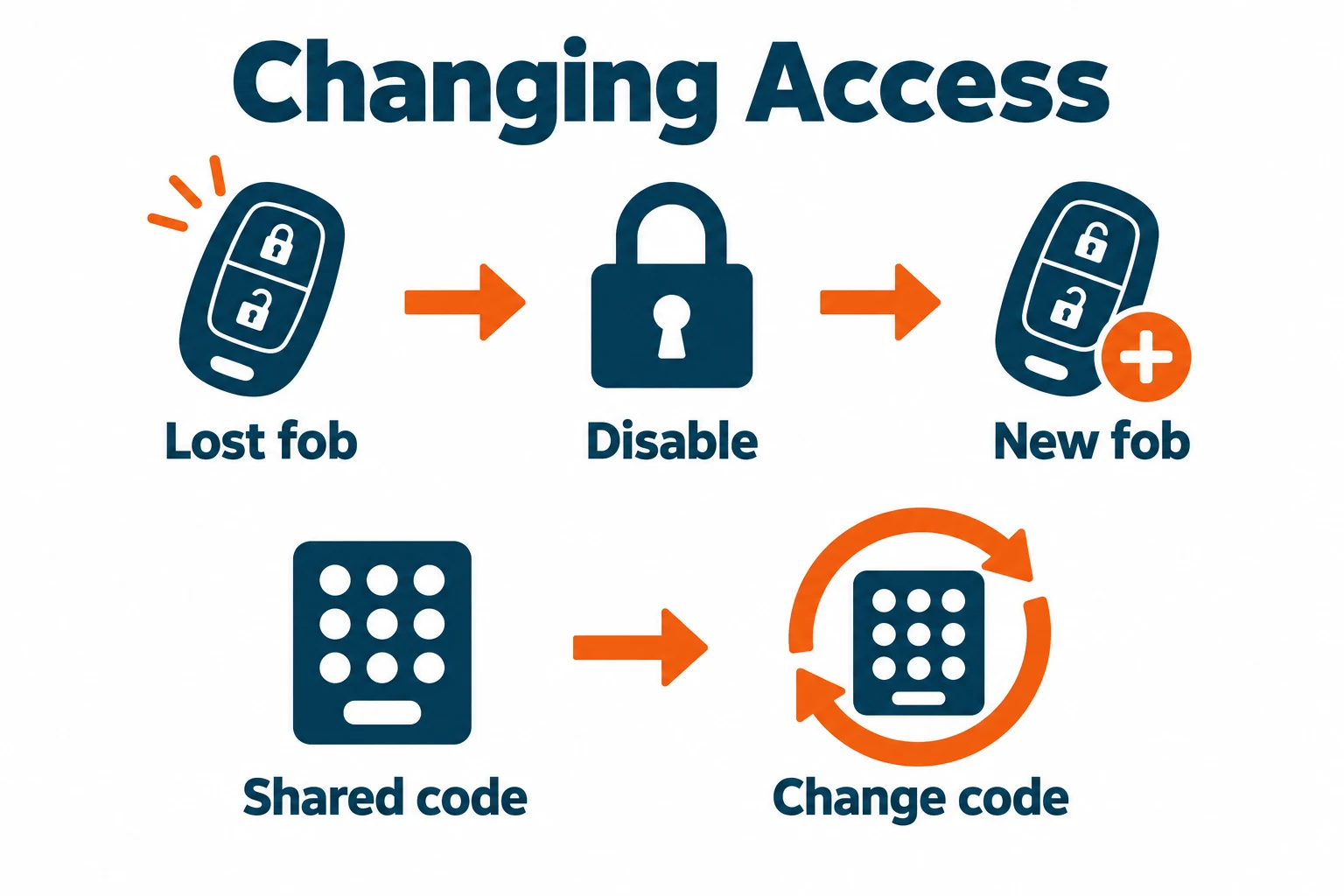
Lost credentials are where the difference between fobs and keypads becomes very clear. If a staff member loses a fob, a well managed access control system can remove that fob from the system. The person can be issued a replacement and the lost item no longer opens the door. This is one of the main advantages over traditional keys, which can be copied or require lock changes if security is a concern.
With keypads, the issue is usually not losing something physical. The risk is that a code can be shared, overheard, written down or kept by someone who no longer needs access. If one shared code is used by a whole team, changing it means telling everyone the new code and making sure old notes, messages and habits do not continue.
Individual keypad codes can reduce that risk. If each person has their own code, access can be removed for one user without affecting everyone else. This brings keypad management closer to fob management, although it still relies on people keeping their codes private.
Staff turnover is another important consideration. When someone joins, leaves or changes role, your access method should make the update simple. Fobs are often easier to manage person by person. Keypads can be simple too, provided the system supports individual users and the business keeps a clear process for code changes.
Temporary access is worth thinking about as well. Contractors, cleaners or visitors may only need access at certain times. A keypad can be handy if a temporary code can be created and removed afterwards. A fob can also work well when you want the person to return the credential at the end of the visit or contract.
The main point is control. Whichever method you choose, it should be easy to add access, remove access and review who is currently authorised. Forrest Security covers access control as part of its wider security services for homes and businesses, including systems that can be tailored to individual needs.
Audit trails and accountability
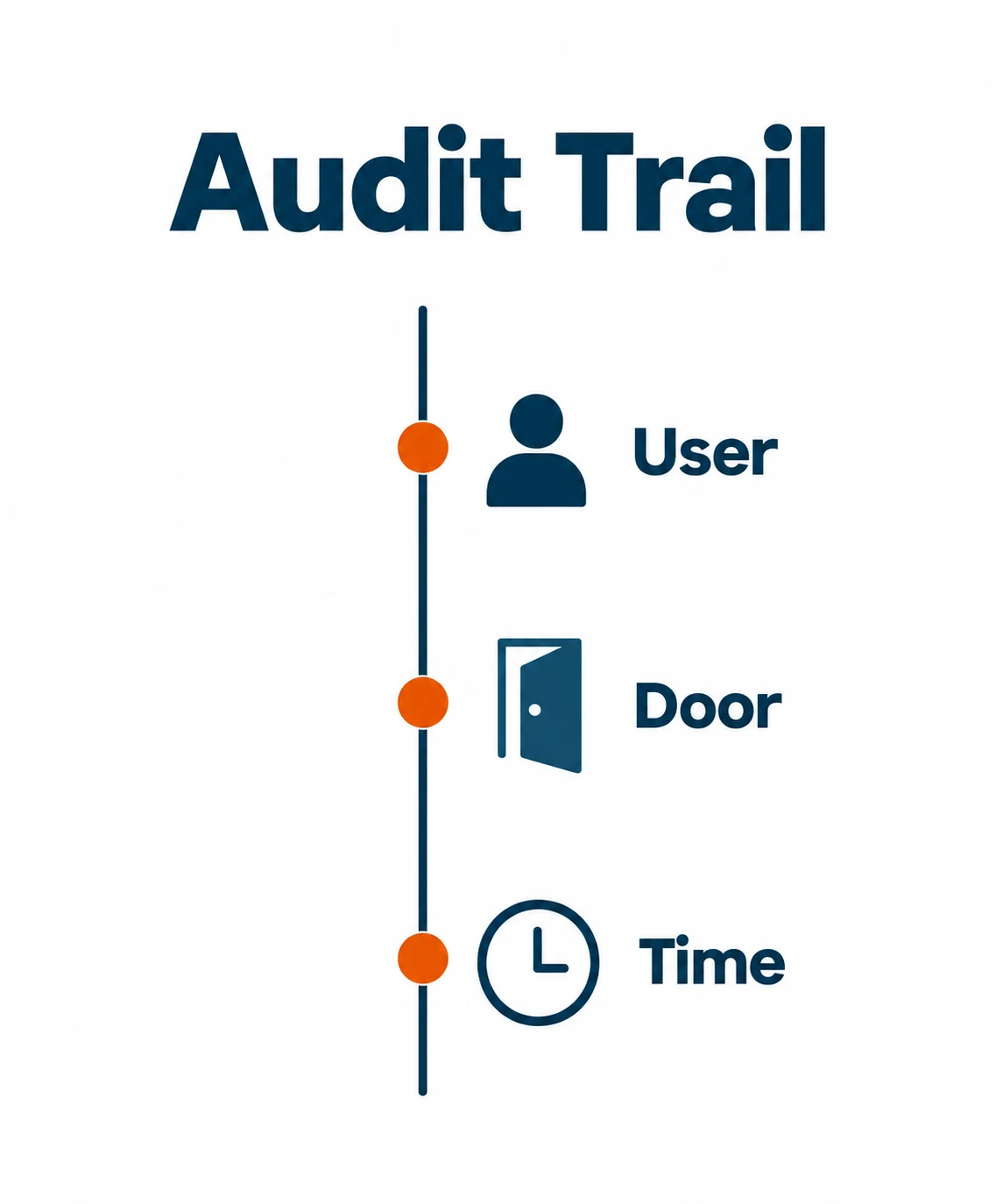
Auditability is one of the biggest reasons businesses move from basic locks to access control. An audit trail can show when a door was used and, depending on the system, which credential or code was used. This can help with security reviews, incident checks and general accountability.
Key fobs are strong in this area because each fob can be assigned to a named person. If the system logs that fob at a door, there is a clear record of which credential was used. That does not prove the named person was definitely holding it, but it does create a useful link between access events and authorised users.
Shared keypad codes are weaker for audit trails. If ten people use the same code, the system may show that the code was entered, but not who entered it. This can be enough for simple door control, but it is less helpful when accountability matters.
Individual keypad codes improve auditability. If every user has their own code, the system can produce more meaningful records. The challenge is making sure people do not share their codes, and that old codes are removed promptly when access is no longer needed.
For many businesses, the audit question is not about watching staff. It is about having enough information to understand what happened when something seems wrong. If a restricted door was opened outside usual hours, a clear log helps managers respond calmly and accurately.
If audit trails are a priority, ask how the access control system records events, how easy it is to search those records and whether reports can be used by managers without specialist knowledge. Helpful records are only useful if someone can actually read and act on them.
Management, maintenance and practical fit
Day to day management should be a major part of the decision. A system that looks suitable on paper can become frustrating if routine changes are awkward. Think about who will manage users, how often staff access changes and how quickly changes need to be made.
Fob systems work well where managers want clear named credentials. Adding a new starter can be as simple as issuing a fob and assigning permissions. If someone leaves, their fob can be removed from the system. The physical credential does need to be ordered, stored and issued, but that process is usually straightforward.
Keypads can be very simple for stable teams. There is no physical stock to manage and no fobs to collect. However, good code discipline matters. Codes should not be left unchanged for too long, shared casually or reused after staff changes. If codes are not managed carefully, convenience can slowly reduce security.
It is also worth considering the wider security setup. Door access may sit alongside intruder alarms, CCTV and other protective measures. A joined up approach can make it easier to manage the building as a whole, rather than treating each system as a separate decision. Forrest Security offers guidance on choosing the right security services for your business, which can help if access control is only one part of your review.
Maintenance needs are usually modest for both options when the system is properly installed and looked after. Keypads should remain responsive and easy to use. Fob readers should be positioned sensibly and protected from avoidable damage. The most important management habit is keeping user permissions current.
Which option should your business choose
Choose key fob access control if you want fast staff movement, individual credentials and clear user management. It is particularly suitable where different people need different access levels, where audit trails matter and where staff changes need to be handled cleanly.
Choose keypad access control if you want a simple access method without issuing physical credentials. It can suit smaller teams, low complexity doors and areas where remembering a code is more practical than carrying a fob. For better accountability, look for a system that supports individual codes rather than relying on one shared code.
Some businesses use both. A main staff entrance might use fobs, while a lower risk internal door uses a keypad. Another business might use fobs for employees and temporary keypad codes for contractors. The best setup is the one that reflects how people actually move through the premises.
If you are comparing access options, it can also help to understand other technologies. For example, Forrest Security has a guide to how biometric access control can enhance workplace security, which may be relevant where identity assurance is especially important.
The key is to avoid choosing on habit alone. Review your doors, users, risk levels and management process. Then choose the access method that gives the right balance of convenience, control and accountability.
- Key fobs are often best for frequent staff movement, named users and clear access permissions.
- Keypads can be practical for smaller teams or simple doors, especially where carrying a credential is inconvenient.
- Shared codes are easy to use but weaker for accountability, while individual codes offer better control.
- Lost fobs can usually be removed from the system, while shared keypad codes need prompt updates when access changes.
- The best access control choice depends on how your doors are used, who needs access and how often permissions change.
Frequently asked questions
Are key fobs more secure than keypad codes?
Key fobs often provide stronger user control because each credential can be assigned to one person and removed if it is lost. Keypads can also be secure, especially when each user has an individual code and codes are managed properly.
Can a business use both fobs and keypads?
Yes. Many access control systems can use different methods for different doors or users. This can be useful when one door needs fast staff access and another only needs occasional controlled entry.
What happens if an employee leaves the business?
Their access should be removed promptly. With a fob system, the credential can usually be disabled. With a keypad, the individual code can be removed, or a shared code can be changed if that is how the system is set up.
Do access control systems keep a record of door use?
Many systems can keep an audit trail, but the detail depends on the setup. Fobs and individual keypad codes usually provide clearer records than shared codes because each access event can be linked to a specific credential or user code.
Get clear advice on business door access
If you are weighing up key fobs, keypads or a wider access control system, Forrest Security can help you choose a practical setup that fits the way your business works.